
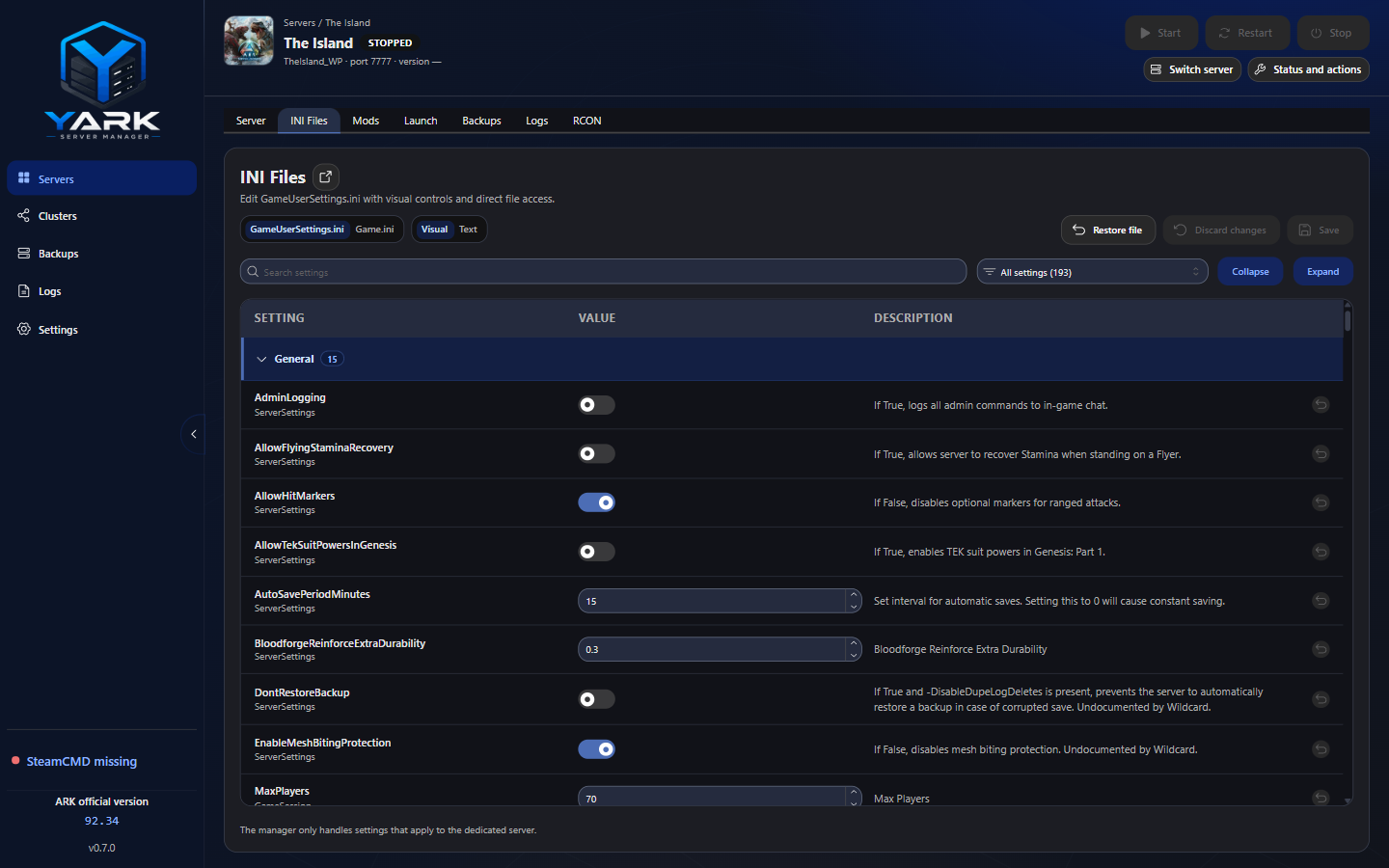
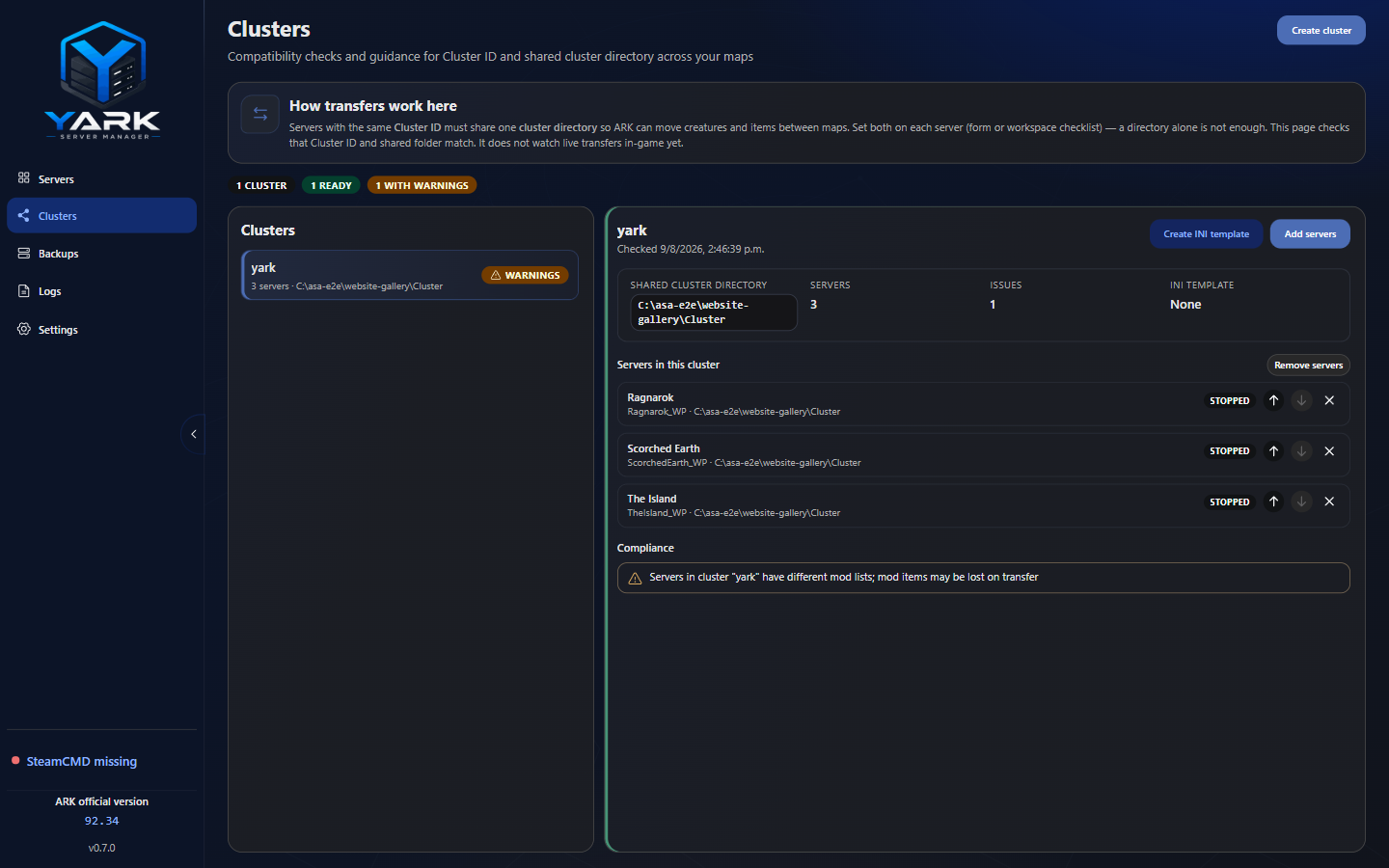
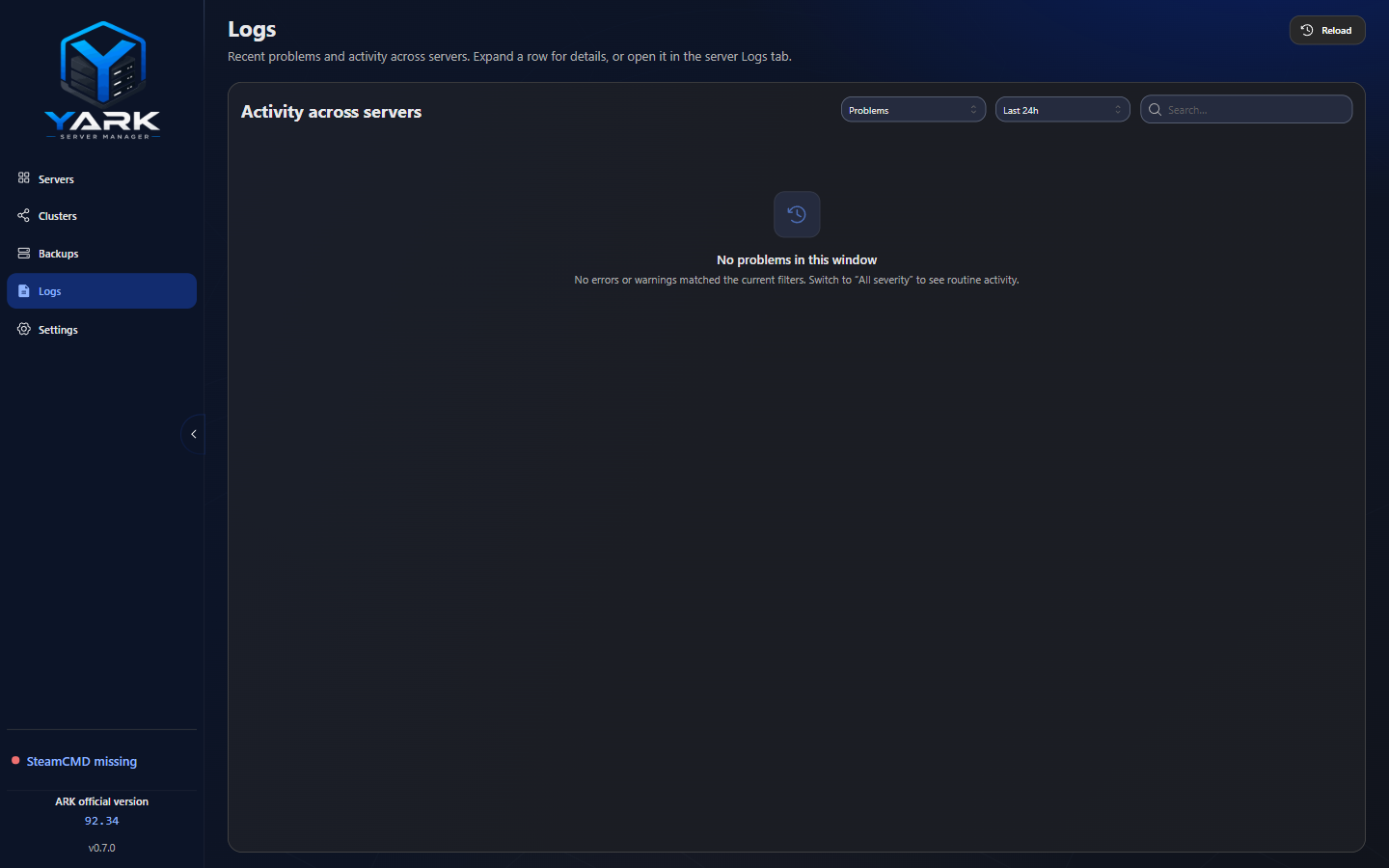
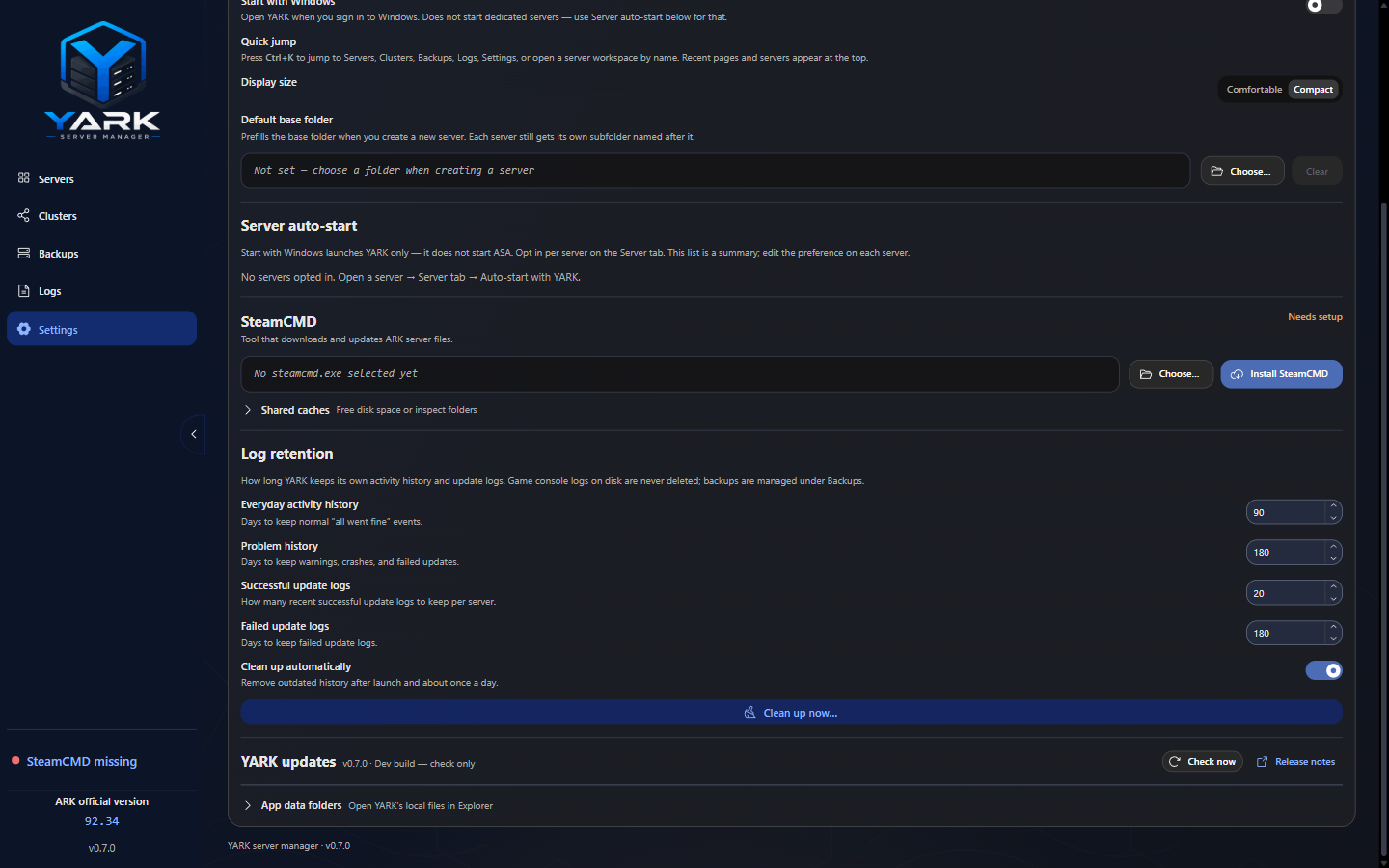
Current development scope
Areas already being built and exercised in early public prerelease builds (Electron + React + TypeScript on Windows). This is not a shipping product checklist.
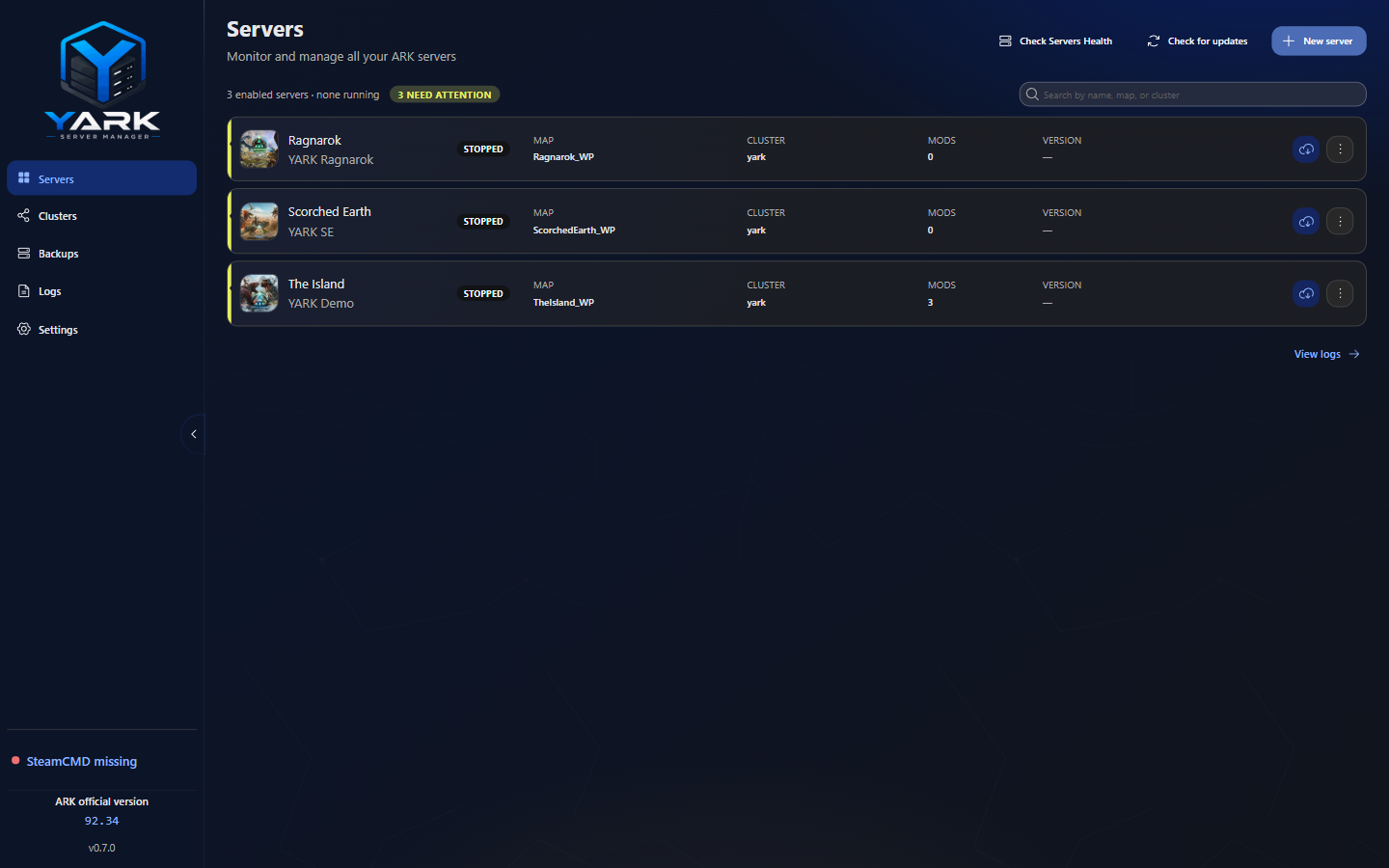
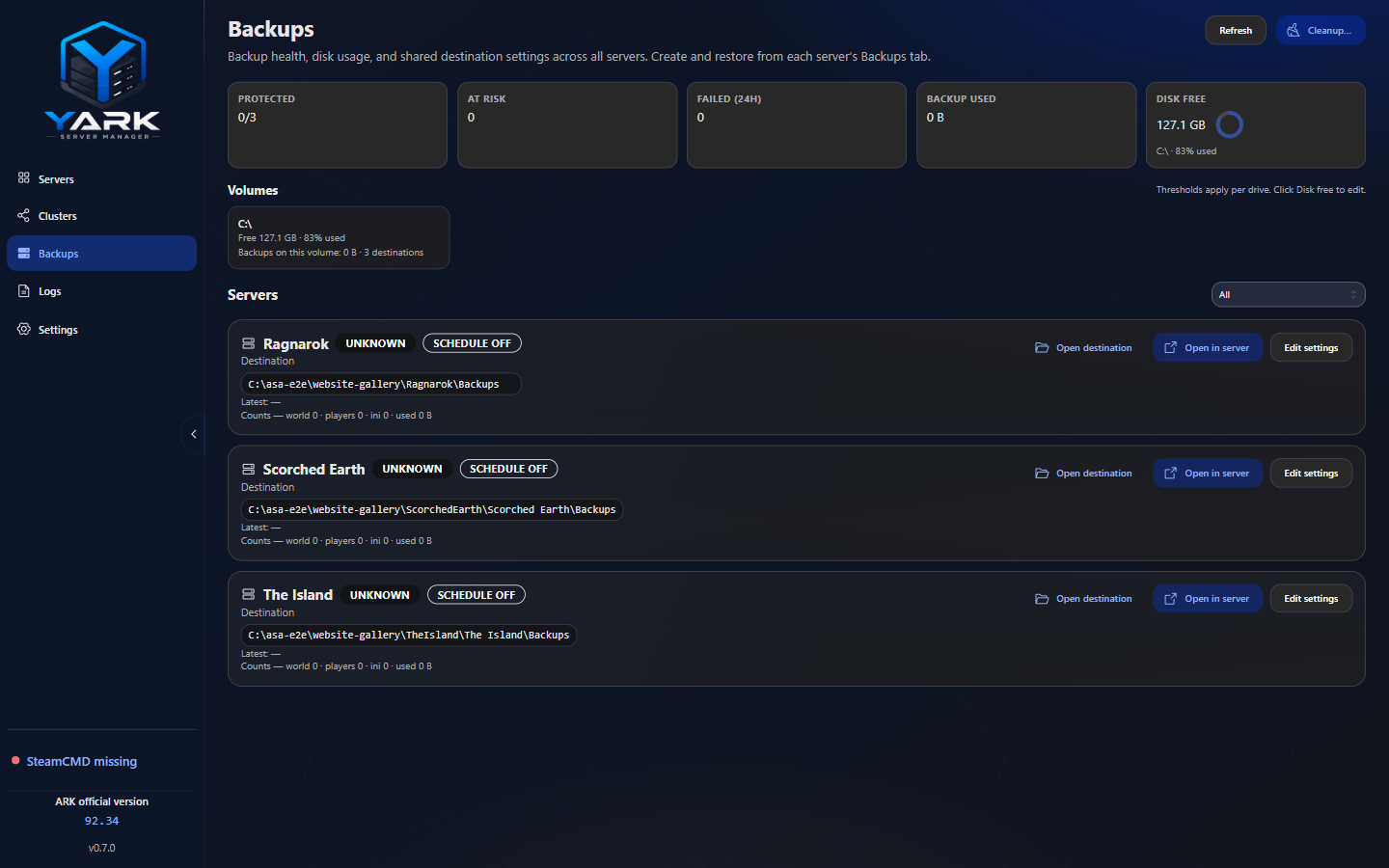
- Multiple server profiles from a single desktop shell
- Start, stop, restart, and force-stop dedicated instances
- Install, update, and verify server files with SteamCMD
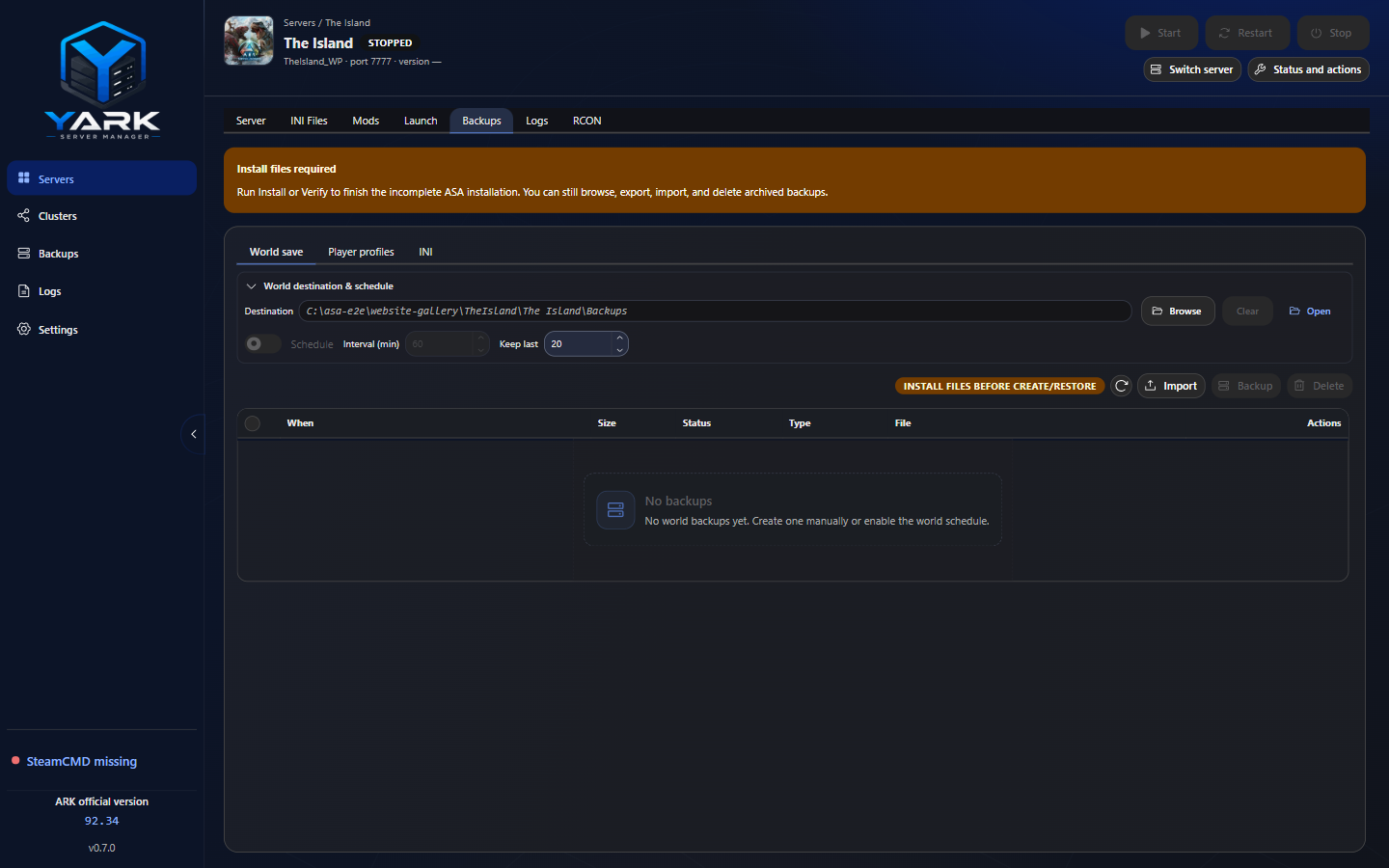
- Create, restore, export, and import backups; review operation history
- Runtime, update, and backup logs with retention for YARK-owned history
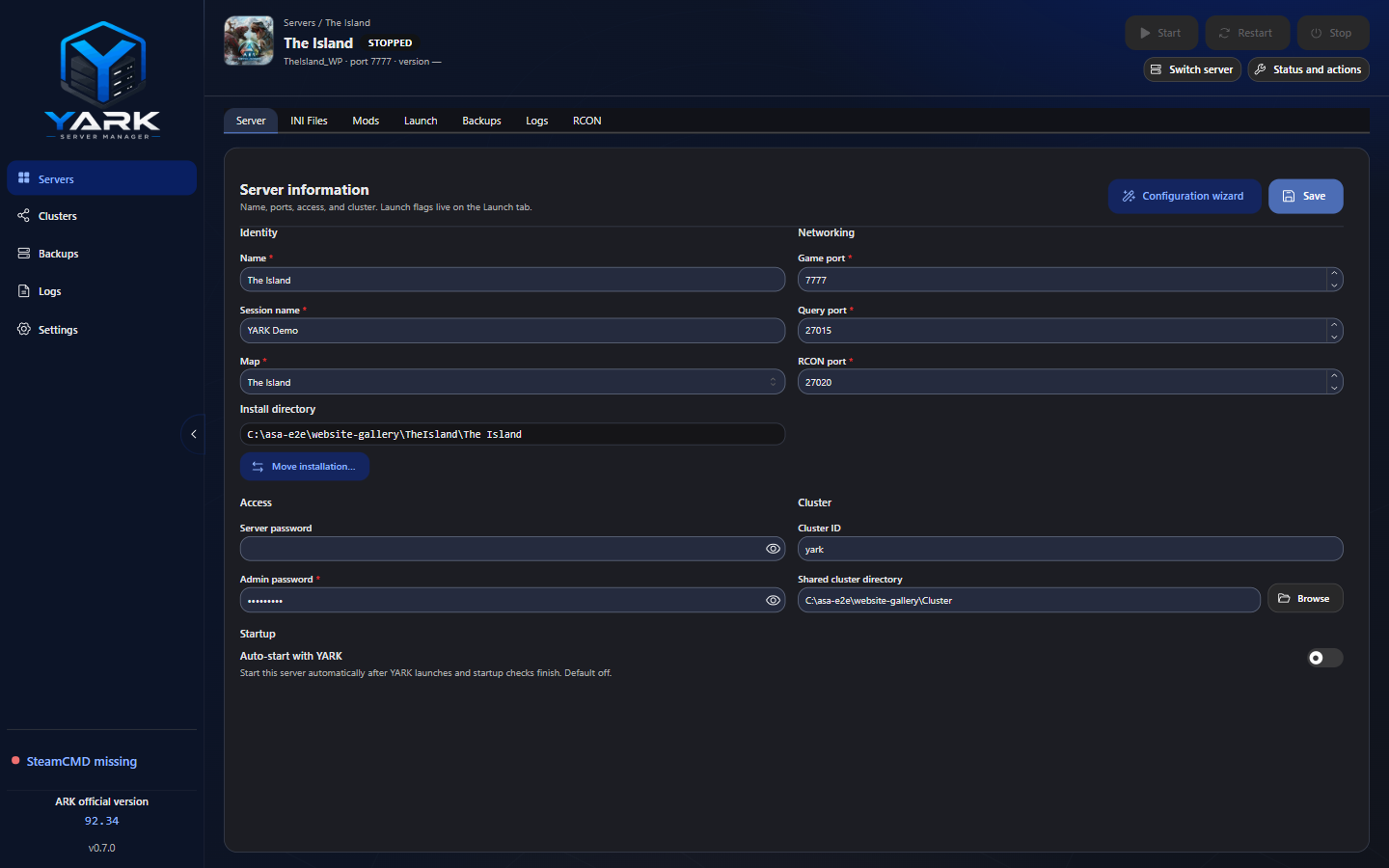
- Move installation folders and opt-in auto-start when YARK launches
- Cluster create, membership, INI templates, and compliance checks
- Workspace RCON console for commands, players, and ban list
- Copy selected configuration between stopped server profiles
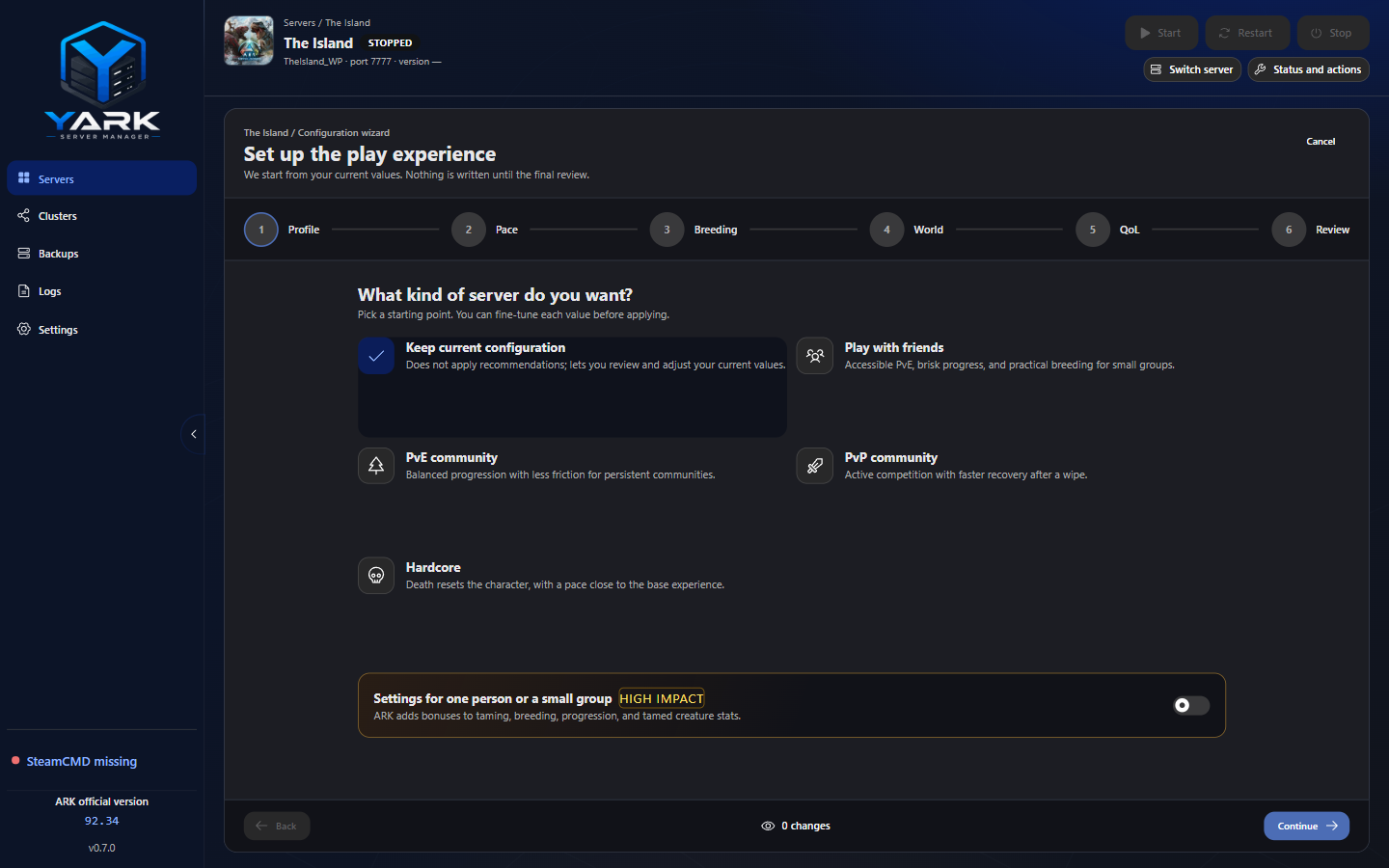
- Server Workspace with visual/raw INI editing and an on-demand configuration assistant
- Workspace Launch tab — curated ASA flags, Extra arguments, command preview, and a browsable launch-options catalog
- Quick jump (Ctrl+K) to pages and servers
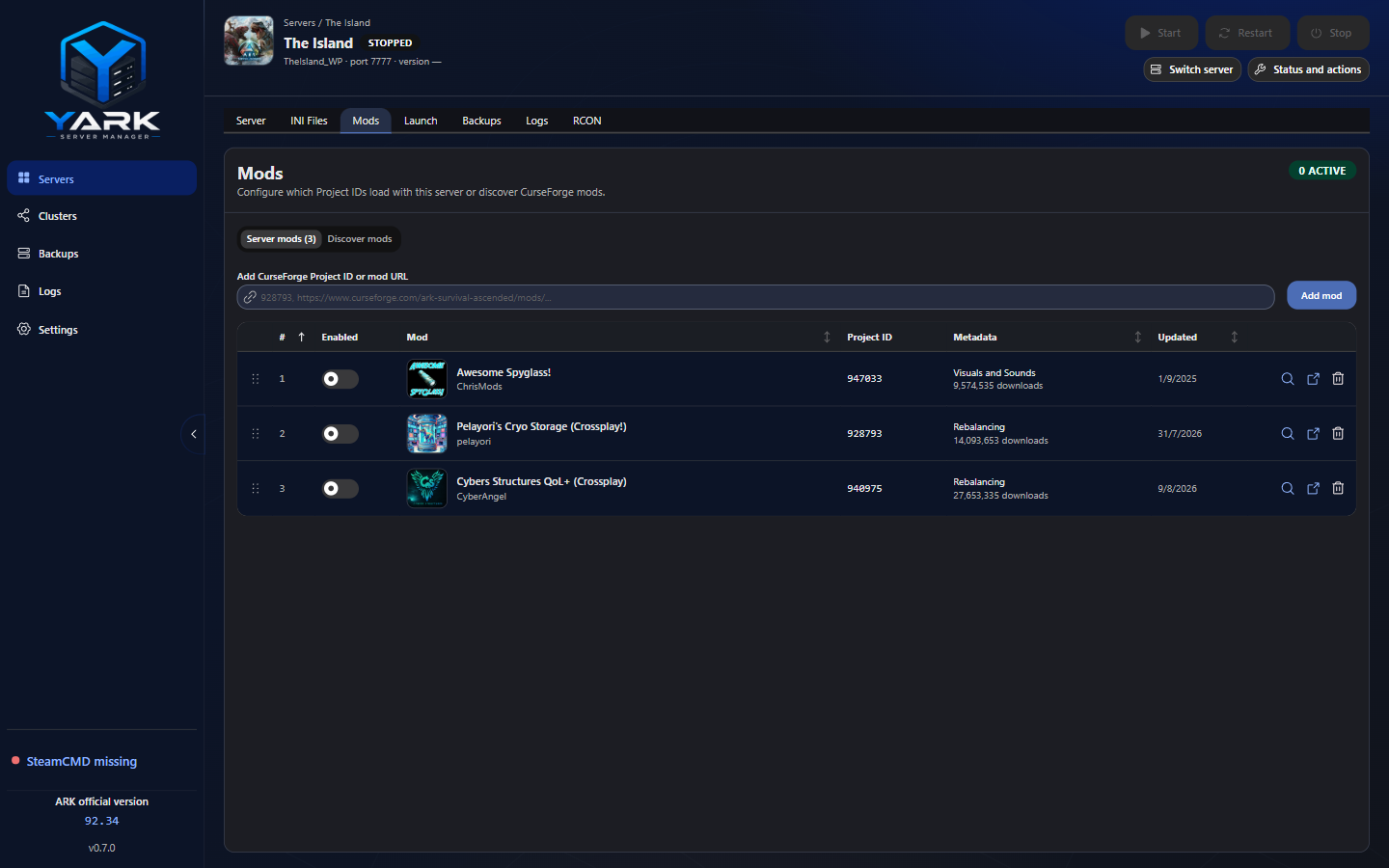
- CurseForge Mods tab — Project IDs, enable/disable without dropping IDs, Worker-backed metadata, and launch-time
-mods=for enabled mods - Custom / CurseForge Maps launch tokens with map-mod linking and Start/Launch alerts
- Settings for SteamCMD path, UI density, log retention, YARK updates, and related prefs
- Official ARK network version from Wildcard’s public status CDN
Next on the roadmap
Candidate work after v0.9.0, focused on release trust, supportability, and deeper desktop operations. Milestones are authoritative; nothing here promises a stable 1.0 date.
- PlannedSigned Windows releases with a verifiable publisher and trusted timestamp
- PlannedElectron fuses and asar integrity checks on packaged Windows builds
- PlannedReliable Windows E2E gates plus prepared-host validation against a real ASA server
- PlannedImport an existing ASA install as a YARK profile (discover mods, leave them disabled)
- PlannedAutomatic profile-database snapshots before schema migrations and on healthy boot
- PlannedValidate real ASA cluster transfers across two managed servers
ARK Survival Ascended dedicated server manager
YARK is a Windows desktop ASA dedicated server manager for hosts who run local ARK: Survival Ascended servers. Instead of juggling SteamCMD folders, INI files, CurseForge Project IDs, and backup scripts by hand, you keep multiple server profiles in one shell — install and update files, start and stop instances, schedule world backups, inspect logs, and edit configuration with a visual INI editor and guided assistant.
What it is not
YARK is not a cloud host, not an ARK game client launcher, and not an official Wildcard product. It is an independent local manager for dedicated-server tooling you run on your own machine.
Privacy and data
Server profiles and app settings stay on your PC (local SQLite). There is no YARK cloud account. Network use covers SteamCMD content, Wildcard’s public official-status CDN, and CurseForge mod metadata via a small Cloudflare Worker proxy. The desktop app never embeds a CurseForge API key. Server/admin credentials required by ASA remain local and may be present in app data, INI files, and INI backups. See Security & privacy for the current protection boundary.
About this site
Product pages and operator docs for YARK. Source and license: GPL-3.0 on GitHub.